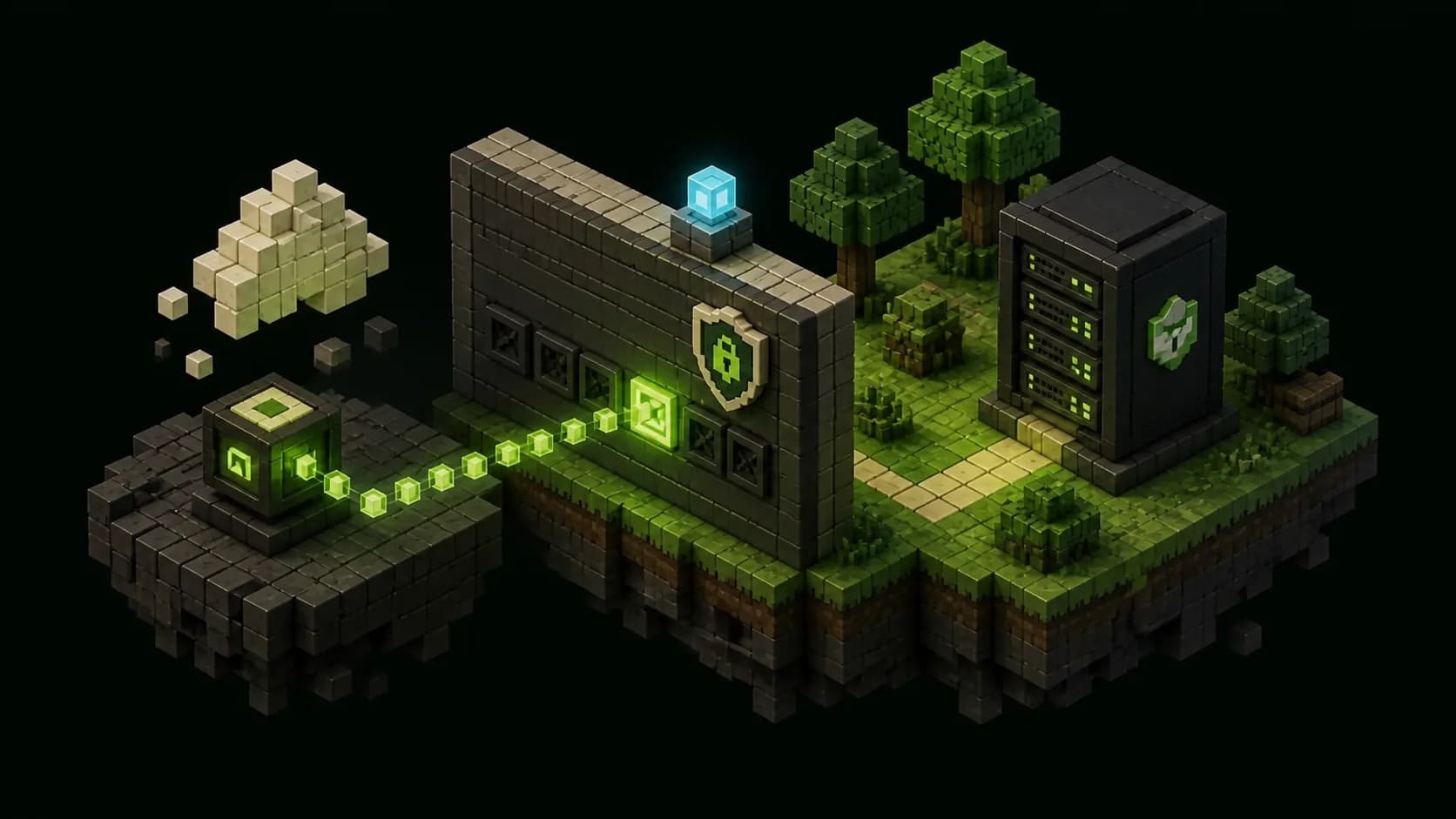
Map the connection before changing the router
Port forwarding gives unsolicited internet traffic one defined route through a home router to a device on the private network. For a self-hosted Minecraft Java server, the normal path is player, public IPv4 address, router forwarding rule, host firewall, then the Paper listener. Write down every address and port in that chain before opening anything. A rule aimed at yesterday's laptop address or the wrong container port can look correct while sending connections nowhere.
Identify the server's LAN address from the operating system or the router's connected-device list. Home addresses commonly fall inside the private ranges reserved by RFC 1918: 10.0.0.0/8, 172.16.0.0/12 and 192.168.0.0/16. Friends cannot connect directly to that address across the internet. Reserve the address in DHCP or assign it according to the router vendor's instructions so a reboot does not give the server a different destination.
Find the router's internet or WAN IPv4 address in its status page, then compare it with the public address reported from the same network. Do not post screenshots of the router, administrator username or full configuration. You will eventually share only the public game address with invited players. Keep the router login, hosting panel, file access and console credentials private.
- Record the server's stable LAN address and the router's current WAN address.
- Choose one external game port and one internal Paper port deliberately.
- Back up the server and export or photograph only the relevant router rule before changing it.
- Plan an outside test device, such as a phone hotspot, rather than relying on the home Wi-Fi.
Configure the Paper listener first
Stop Paper cleanly before editing server.properties. Paper's current reference uses server-port=25565 by default and describes server-ip as the address to bind. Leave server-ip blank for the usual single-server setup so Paper can listen on the host's available interfaces; entering the public address or an address not assigned to the machine commonly prevents a successful bind. If another service already uses 25565, choose one known free internal port and use that same value throughout the remaining checks.
Keep online-mode=true on a normal internet-facing server. Paper documents that this checks connecting players against Minecraft's account database; disabling it removes the ordinary authenticated identity boundary. A whitelist is a separate admission layer and remains valuable for a friends-only world. The Minecraft Java whitelist guide at /blog/minecraft-java-server-whitelist-guide explains how to enable it and test with a non-operator account.
Start Paper and read the console from the first line. Confirm the expected version, the configured port and a completed startup without an address-in-use or bind error. Test a local join from another device on the LAN using the server's private address and internal port. If that fails, the router is not yet relevant: fix Paper, the host firewall or the local address first.
Create one explicit forwarding rule
Sign in to the router through its local administration page and find the vendor's port forwarding, NAT or virtual-server screen. Create a manual rule whose external TCP port maps to the server's reserved LAN address and Paper's internal TCP port. Minecraft Java game connections use TCP; the familiar default is 25565, but a different external port is valid when players include it in the address. Router interfaces differ, so follow the manual for the exact model rather than copying labels from an unrelated screenshot.
Forward the smallest surface that supports play: one TCP port to one private host. Do not use a broad port range, a DMZ-host feature or an all-protocol rule simply because it is easier. Do not forward the router administration page, SSH, a game panel, database, file service or Paper's RCON port. Paper lists RCON as a separate remote-console feature, disabled by default, with its own password and default port; it is not required for players to join.
Leave automatic port creation through UPnP disabled unless another understood service truly needs it. CISA recommends disabling UPnP when it is not needed because software on the local network can use it to create firewall paths. A named manual rule is easier to audit and remove. Save the change, then re-open the rule and verify the protocol, external port, internal port and destination address instead of assuming the router accepted every field.
- Protocol: TCP for the ordinary Minecraft Java game listener.
- External destination: one chosen public-facing port.
- Internal destination: the server's reserved LAN address and Paper's server-port.
- Never include RCON, router management, SSH, databases or control-panel ports in the game rule.
Match the host firewall and container mapping
The router rule does not override the server machine's own firewall. Add an inbound TCP rule for the Paper port on the appropriate private-network interface or profile. Scope the rule to the server program or exact port when the operating system supports it. Do not disable the entire firewall for a test: that changes too many variables and can expose unrelated services. Restart or reload only through the platform's documented firewall controls, then confirm Paper is still listening.
On Windows, Get-NetTCPConnection or netstat can show whether the chosen local TCP port is in a listening state. On Linux, ss -ltnp can provide the equivalent view when run with sufficient permission. The important result is a listener owned by the intended Java process on an address reachable from the LAN. A process bound only to loopback will accept connections from itself but not from another computer.
Containers add another boundary. Publish the host TCP port to the container's Paper port explicitly, for example with a mapping shaped like host-port:container-port. Docker warns that published ports are exposed beyond the host by default when they bind all host interfaces, so publish only the game port and rely on the host firewall for the intended perimeter. A container being healthy does not prove its port was published or allowed through the host.
Detect double NAT and carrier grade NAT
A correct rule cannot receive an unsolicited IPv4 connection when another translating router sits in front of the one you configured. This happens with an ISP modem-router plus a personal router, some mesh layouts and carrier-grade NAT. If the router's WAN address is itself in an RFC 1918 private range, there is another private routing layer upstream. Forward through both owned routers, place one in a documented bridge mode, or make the intended router the only NAT boundary.
A WAN address inside 100.64.0.0/10 is a strong CGNAT signal. RFC 6598 reserves that shared, non-globally-routable range for service-provider networks. Because the ISP controls the upstream translation, a rule on the home router alone cannot create a public IPv4 path. Ask the ISP whether it offers a public IPv4 address or supported inbound service; do not buy a new router expecting it to remove carrier NAT.
IPv6 can provide direct addressing without IPv4 port translation, but it is not a shortcut around security. The server and players need working IPv6, DNS and firewall policy, and the host may be globally reachable once an inbound rule is allowed. If those requirements are unclear, use a reputable private overlay network for a small trusted group or choose managed hosting. The objective is a supportable path, not exposure at any cost.
Test each hop from the inside out
Use a fixed test order: confirm the local listener, join over the LAN, inspect the forwarding rule, then join from a genuinely external network using the public address and external port. Testing the public address while still on home Wi-Fi depends on whether the router supports NAT loopback, so it can fail even when outside players work or succeed through a path that hides a mobile-network problem. Ask one trusted tester to report the complete game error and exact time.
Watch the Paper console during the outside attempt. A logged handshake proves traffic reached the server and shifts attention to version, authentication, whitelist or proxy behavior. No log entry means the failure is earlier: public address, CGNAT, upstream router, forwarding target, host firewall or container publishing. A connection-refused result often indicates that the destination was reachable but nothing accepted that TCP connection; a timeout more often points to filtering or an unroutable path. Treat those as clues, not absolute diagnoses.
Check the public address again after router or ISP reconnects because residential IPv4 addresses can change. If it changes regularly, use a DNS or dynamic-DNS name whose record you can keep current, and verify that it resolves to the present public address before blaming Paper. Never test by opening random additional ports. Preserve one known configuration, change one layer and repeat the same outside attempt.
- Listener absent: correct Paper's bind address, port conflict or startup failure.
- LAN join fails: correct the private address, local firewall or container mapping.
- Outside attempt never reaches the log: inspect WAN addressing, NAT and inbound firewall layers.
- Attempt reaches Paper but is rejected: follow the logged edition, version, identity or whitelist reason.
Keep the exposed server deliberately small
Once the outside join works, remove temporary rules and confirm that only the intended TCP game port remains. Keep router firmware and the server operating system supported, change default router credentials, disable internet-side router management and leave both network and host firewalls enabled. CISA recommends each of those controls for home networks. Review the forwarding list after router migrations because old automatic or duplicate rules can outlive the service that created them.
Keep Paper, Java and plugins current through tested maintenance; use online authentication, a whitelist for private groups and least-privilege server accounts. Schedule complete off-host backups and prove a restore. The automatic Paper backup guide at /blog/automatic-paper-minecraft-server-backups covers consistent snapshots, retention and recovery drills. Monitor the console for unfamiliar joins, repeated failures and plugin errors without publishing player addresses or raw logs.
Bedrock cross-play is a separate network path. Geyser's current setup requires UDP for its Bedrock listener, commonly on 19132, and that UDP service cannot be inferred from a working Java TCP rule. Follow /blog/setup-geyser-paper-minecraft-server before adding it rather than broadening the Java rule to all protocols. More focused administration guides are collected at /blog. If public addressing, uptime or safe isolation is impractical on the home connection, compare managed options at /pricing after saving a clean copy of the world.
Frequently asked questions
Quick answers
Which port should I forward for a Minecraft Java server?
Paper uses TCP port 25565 by default. You may choose another external or internal port, but the router mapping, firewall, Paper configuration and player address must agree.
Does Minecraft Java port forwarding use TCP or UDP?
The ordinary Java game listener uses TCP. Bedrock through Geyser uses a separate UDP listener, and optional services such as Query or RCON have their own requirements.
Why does port forwarding work on LAN but not online?
Check the public address, router destination, host firewall and container mapping. Also compare the router WAN address for double NAT, RFC 1918 private space or the 100.64.0.0/10 CGNAT range.
Is it safe to open port 25565?
Any public listener adds exposure. Limit the rule to one TCP game port, keep authentication and firewalls enabled, patch the system, use a whitelist when appropriate, and never expose RCON or management interfaces for joining.
Can I host a Minecraft server behind CGNAT?
A normal home-router IPv4 forward cannot cross ISP-controlled CGNAT. Ask for a public IPv4 option, use a reputable private overlay for trusted players, use supported IPv6 carefully, or move the server to managed hosting.